Sending a registration link is the least committal way to establish that a work is yours. You aren’t attaching a file, not granting access, and not asking anyone to sign in.
Which raises a reasonable question before you send one to a label, a studio, a client or a lawyer: what does the person on the other end actually see?
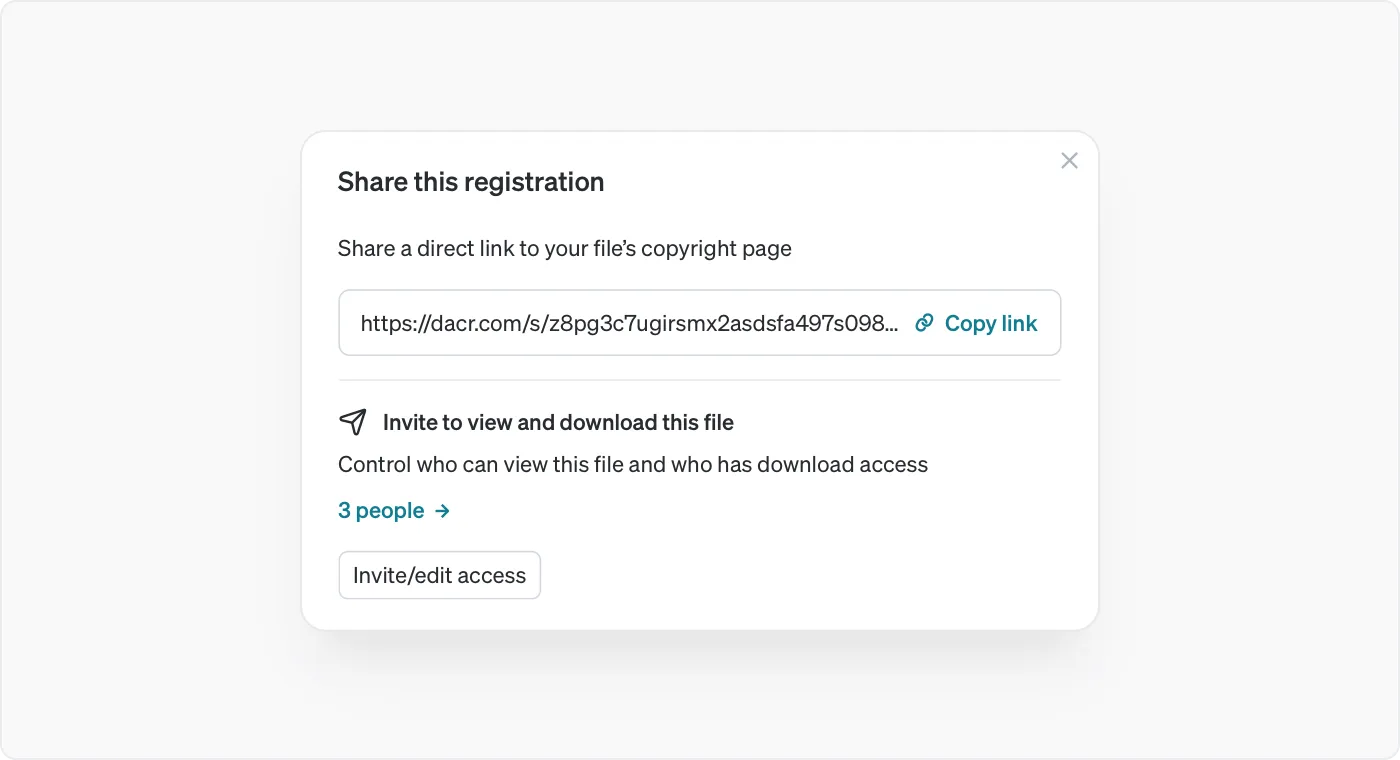
The link is the registration’s own page
Every registration has a public page, and its link is that page’s address. It isn’t a token you generate for a particular recipient, and there’s no per-person version of it.
So it behaves like any other web address. Anyone who has it can open it, anyone can forward it, and it doesn’t expire. That is the right shape for proving something publicly and the wrong shape for anything you might want to withdraw.
What is on the page whatever your settings
A registration is publicly verifiable by design, and a set of details stay visible regardless of whether you have set it to private.
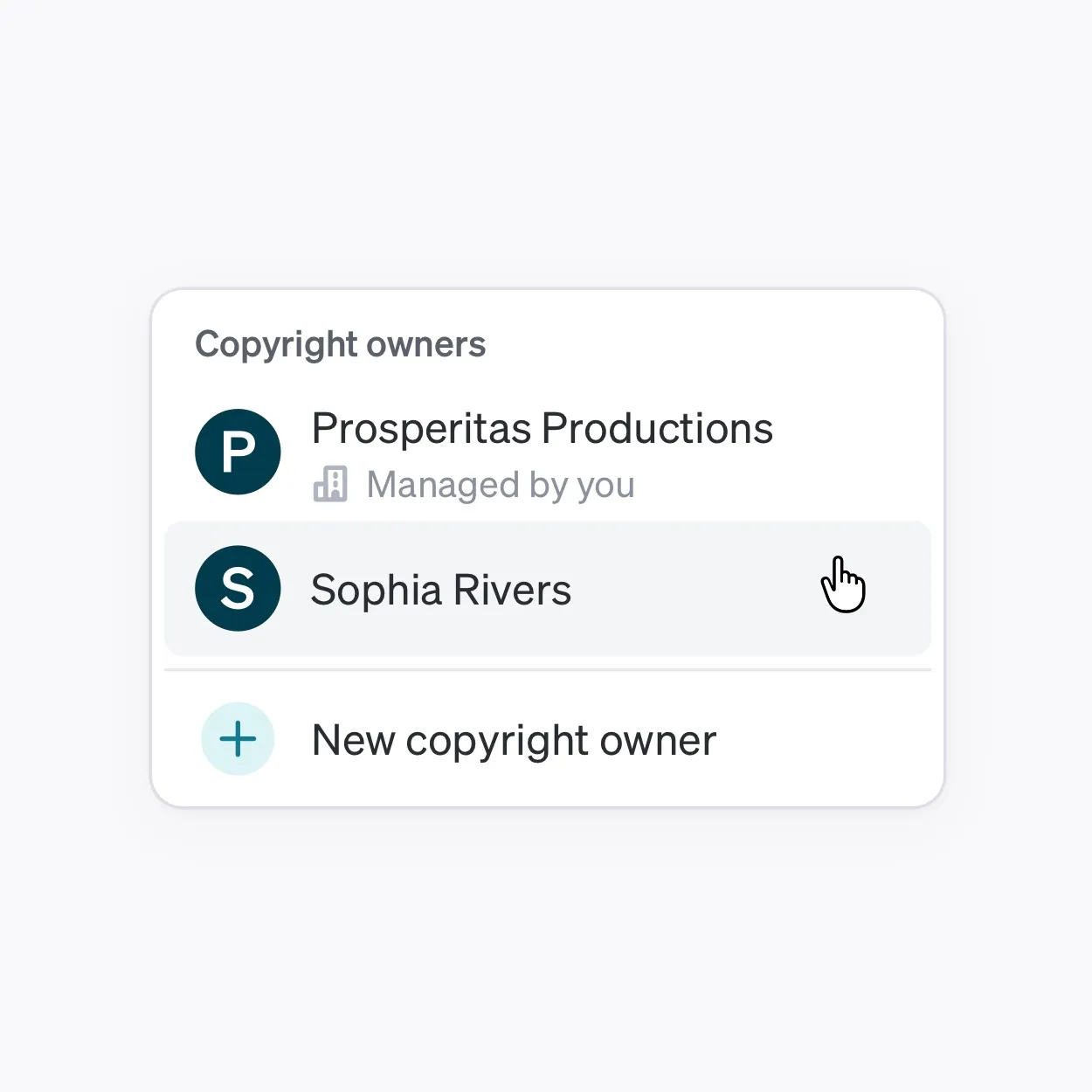
The original filename. The title. The owners. The authors. The registrant, meaning whoever submitted it. The timestamp. The Dacr ID. Where you have registered in additional countries, each of those carries its own timestamp.
This is the part doing the work in a pitch. It says the work exists, who owns it, who made it, and when it went on record, without anyone taking your word for it.
What private actually withholds
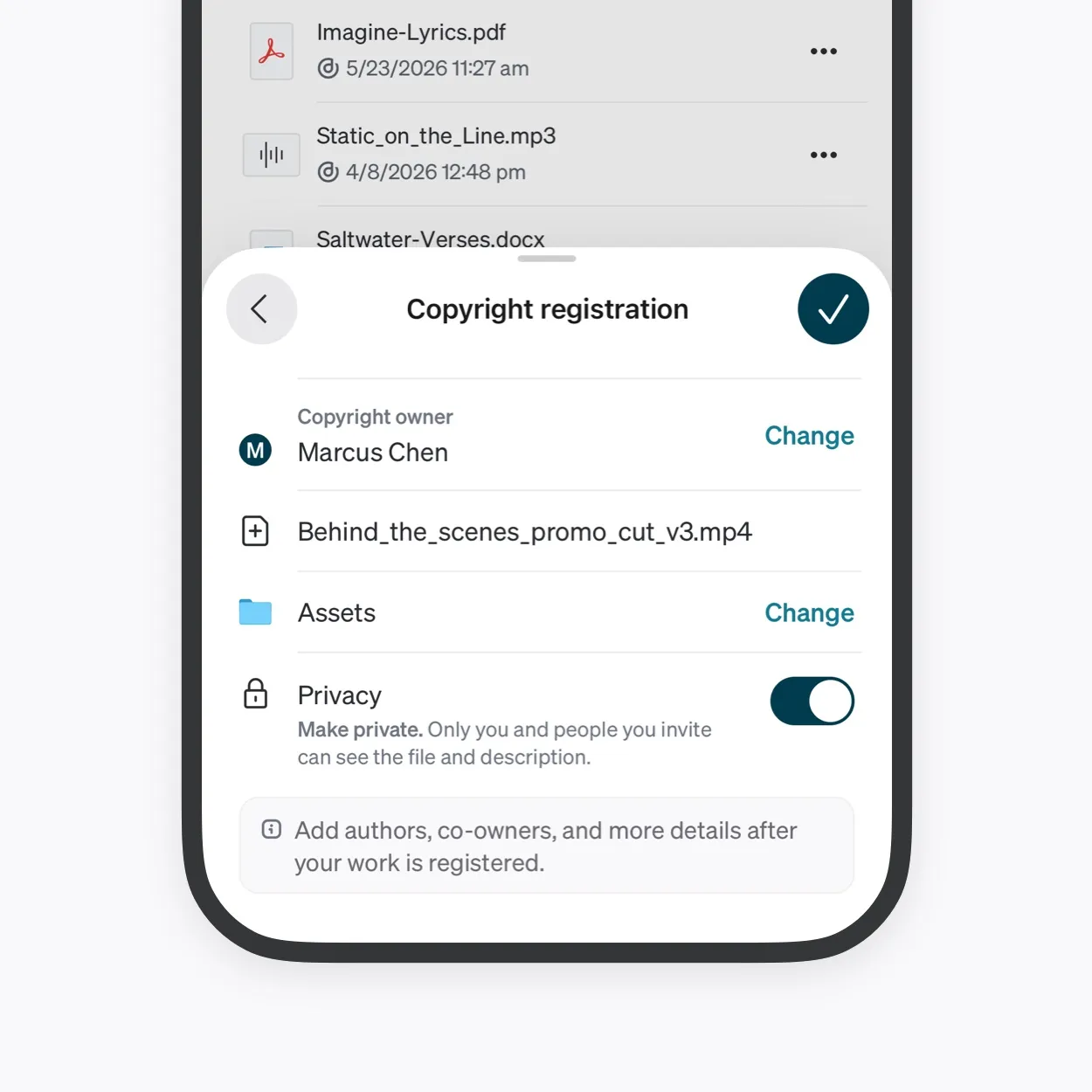
Setting a registration to private hides three things: the work itself and any preview, the description, and the Dacr AI analysis.
Only you and people you invite can see those. So a private registration’s link proves ownership of something the recipient cannot look at, which sounds unhelpful until you’re pitching to a studio that hasn’t signed anything.
Two things follow that are important before you send. The filename stays visible even when the work doesn’t, so a file called Nightjar_Rebrand_Dir02.ai names a client on a page you thought was private. And the description is hidden on a private registration but public on a public one, so it’s worth writing as though it will be read.
What nobody gets from the link
Even on a public registration, the source file isn’t publicly downloadable. The public gets a preview and the record; the file itself requires you to be the owner, a co-owner, an author, or a viewer you have given download permission to.
The certificate is also withheld from the public, on public and private registrations alike. It is visible to you and to people you have invited, which is why sending a certificate is something only you can do.
Choosing between the link, an invitation, and the file
Three levels, and the useful question is what the recipient needs to do next.
Send the link when they need to know the work exists and is yours. A first approach to a label or a gallery, a scoping conversation before anything is signed, a claim you’re making in a message that would otherwise be unsupported.
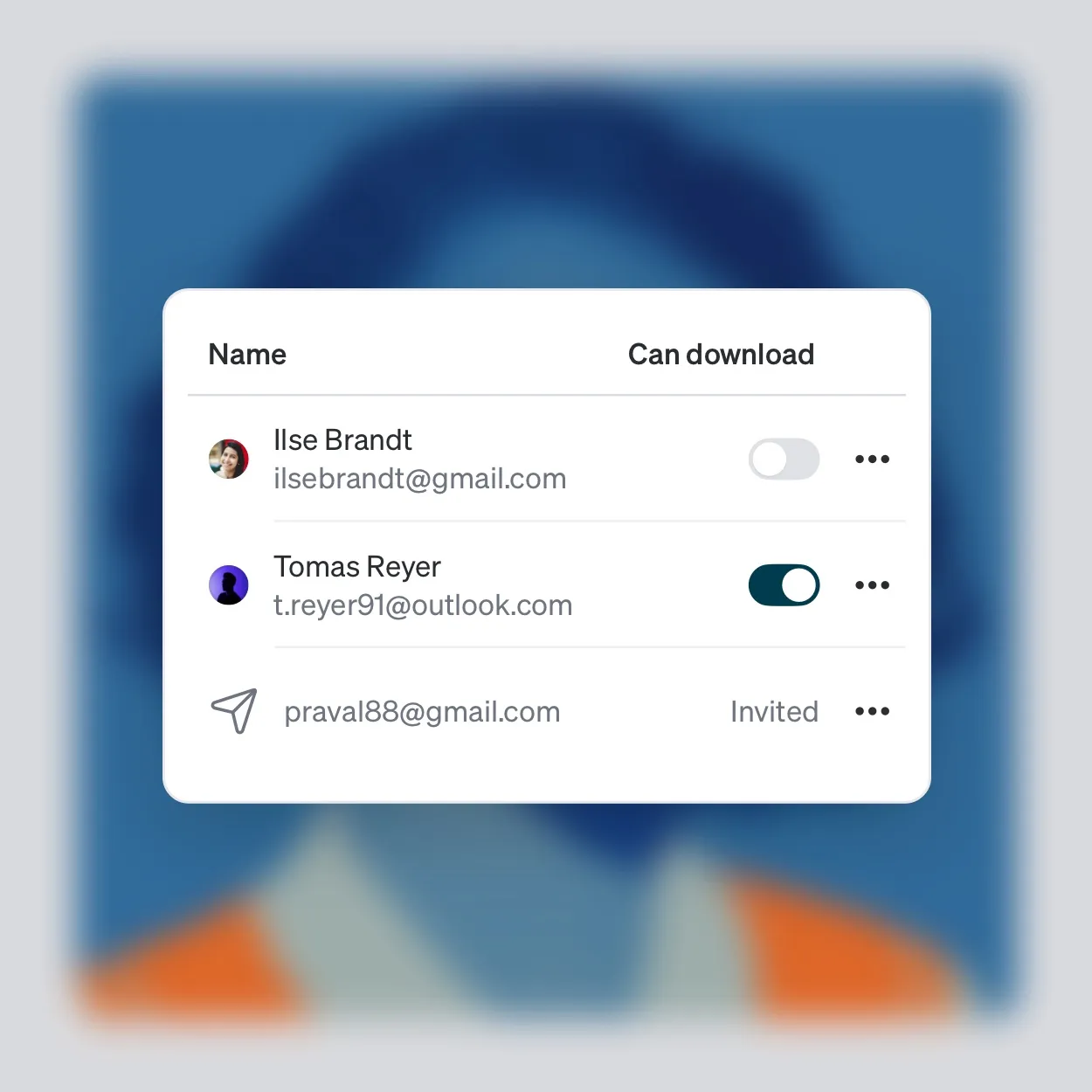
Invite them when they need to see the work. Downloading starts switched off, so they can look without taking a copy, and you can turn it on later. Access ends immediately if you withdraw it. Bear in mind that an emailed invitee has to create a Dacr account before they can see anything, which is worth saying in your message.
Send the file when handing it over is the point, which usually means the work has been bought or the deal is done.
Before you send it to anyone
Look at the page yourself first. It takes a moment and it is the only way to see what a stranger sees.
The two things worth checking are the filename, since it can’t be changed afterward, and the title, since it can. If either names a client, a project or a release you haven’t announced, fix what you can and know what you cannot.