Open the Custody and Privacy settings on a registration and you’ll find Owners, Authors, and Invites as three separate lists. Most people fill in the first one, assume the others are variations on it, and move on.
They answer different questions, and the differences show up later, usually when money arrives, or when someone asks why their name isn’t on something.
Owners: who the work belongs to
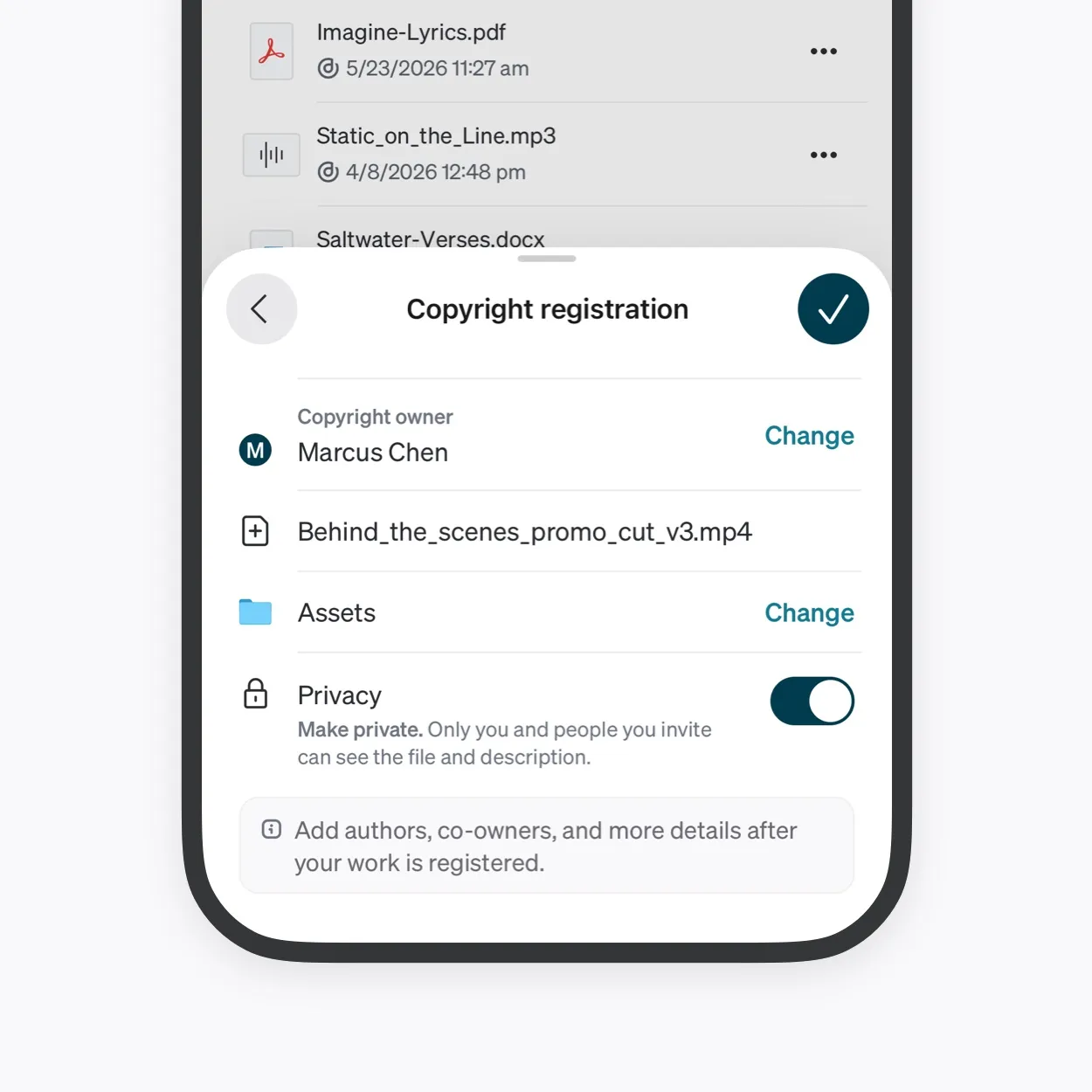
The Owner is the party that holds rights in the registered work. This is the list that corresponds to money, who can license it, who has standing, who the commercial arrangement is between.
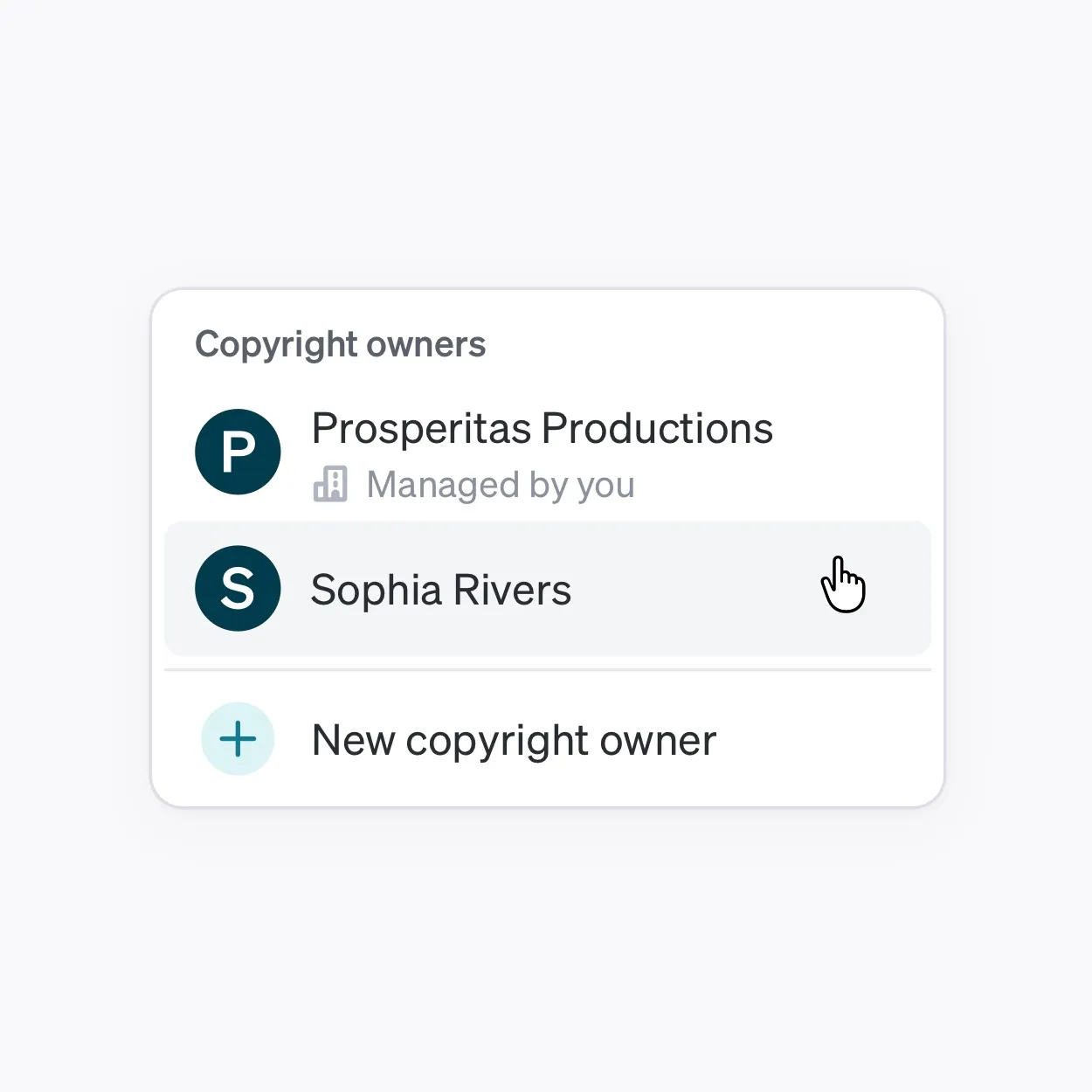
An Owner doesn’t have to be a person. A company, a studio, a label, or any other entity can hold rights. It also doesn’t have to be whoever made the work. Under work for hire, under most label deals, and across a great deal of commercial photography, the person who created the work and the party that owns it are different from the moment it exists.
More than one Owner can sit on a registration, which is how joint ownership gets recorded rather than assumed. What a registration doesn’t hold is how much each owner has. There’s no share or percentage field, so the split sheet still does that job.
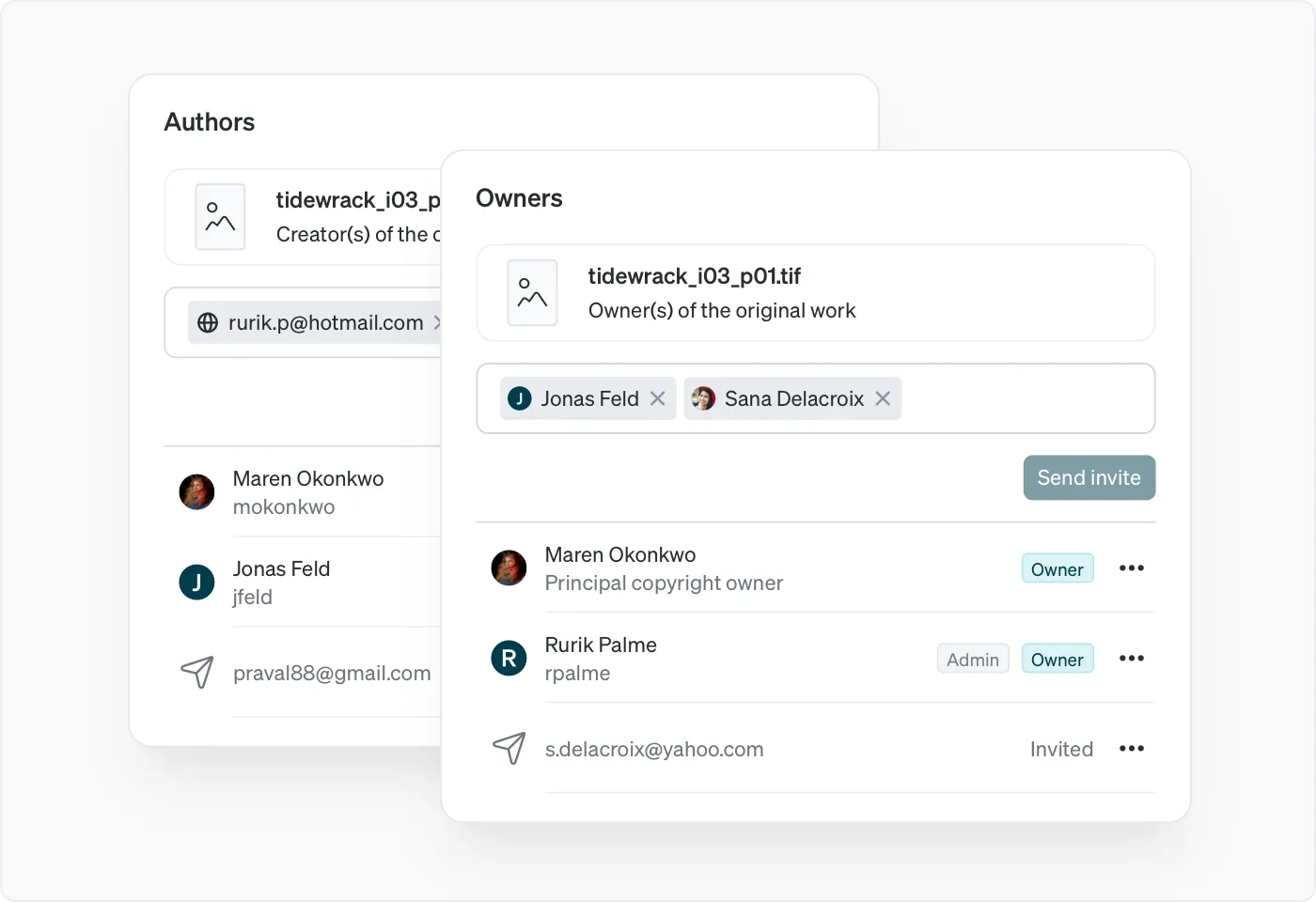
Co-owners can be added or removed at any point, so the list doesn’t have to be right on day one. The principal copyright owner is the exception: it can’t be edited, and changing it means selling or reassigning the registration. If anything deserves a second look before you submit, it’s that.
Authors: who made it
The Author is the person or organization credited with creating the work. Authors can be added or removed at any time too, so a contributor who surfaces months later can still be credited.
The separation is not a product convention. It reflects how copyright treats authorship internationally. Article 6bis of the Berne Convention provides that independently of the author’s economic rights, and even after the transfer of the said rights, the author shall have the right to claim authorship of the work. Who made something and who holds the rights in it are treated as different questions, and the right to be identified as the author survives a transfer of everything else.
Who belongs there depends on what you do. Music: songwriters, producers, vocalists, engineers. Artwork: artists, co-creators, assistants, fabricators. Photography: photographers, assistants, retouchers, stylists, producers. Writing: authors, co-authors, editors, researchers, translators. Video: directors, writers, editors, cinematographers, animators.
Everyone on that list is recorded as an author, which is how the registration captures who contributed. The specific role belongs in your credits and your agreements.
The two lists don’t have to match and usually shouldn’t. A commercial photographer might be the sole Owner while three people are credited as Authors. A staff writer might be credited as Author on an article the publication owns outright.
Registrant: who filed it
The Registrant is whoever submitted the registration. Working alone, that’s you, and it’s unremarkable.
It becomes meaningful when someone registers on behalf of someone else. An agency registering for a client, a label registering for an artist, a manager registering across a roster. Each is the Registrant while the client, artist, or roster member is the Owner. The registrant is shown publicly and isn’t affected by the privacy setting.
What stays visible either way
Ownership and credit describe the work. Whether people can see the work itself is a separate setting.
Every registration is publicly verifiable. Private mode hides the work and any preview, the description, and the Dacr AI analysis. Those become visible only to you and the people you invite. Ownership and authorship remain publicly verifiable, and so do the filename, the timestamp, the registrant and the Dacr ID.
Worth knowing in the other direction: even on a public registration, the source file isn’t publicly downloadable and the certificate isn’t publicly visible. The public gets the preview and the record.
People who need access but have no claim
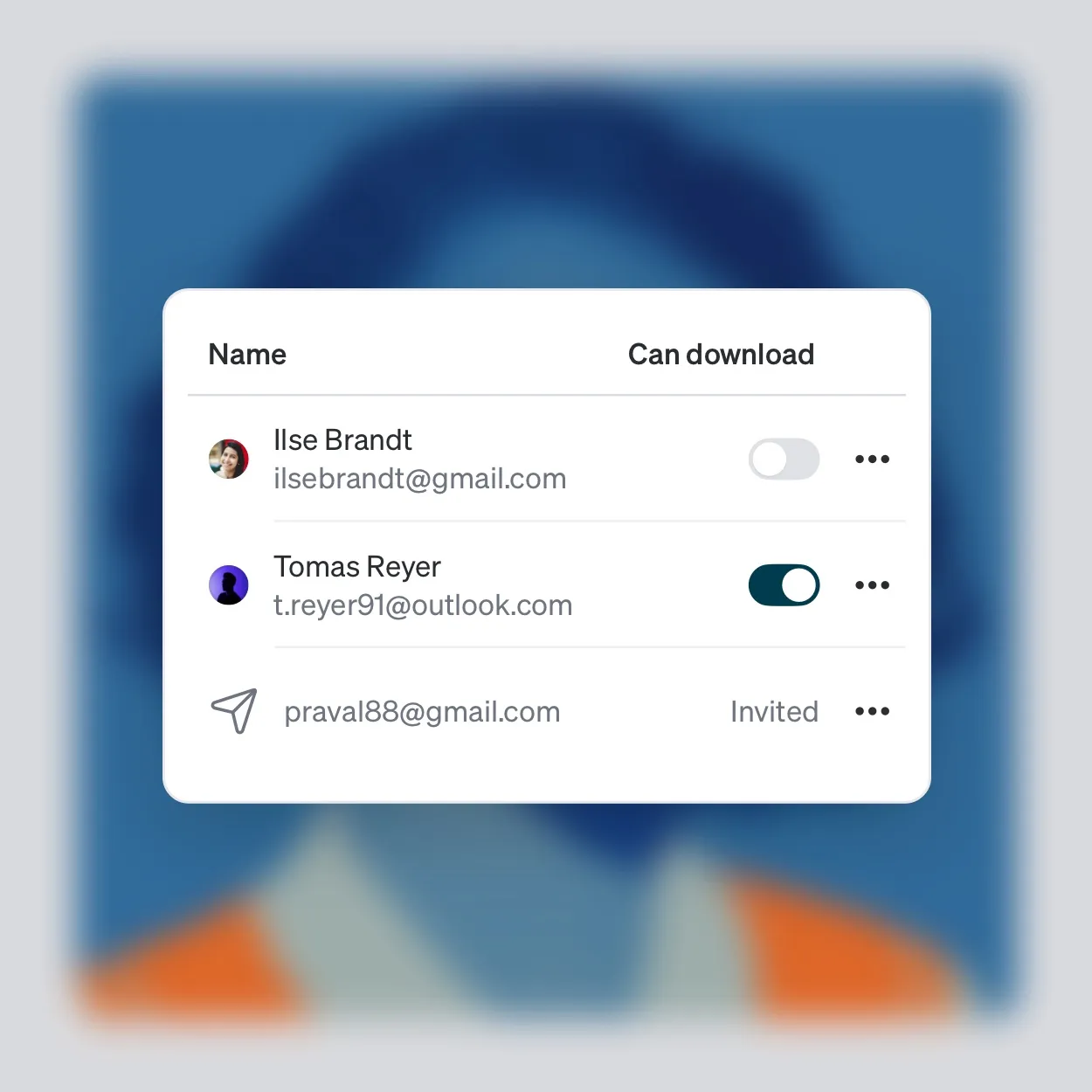
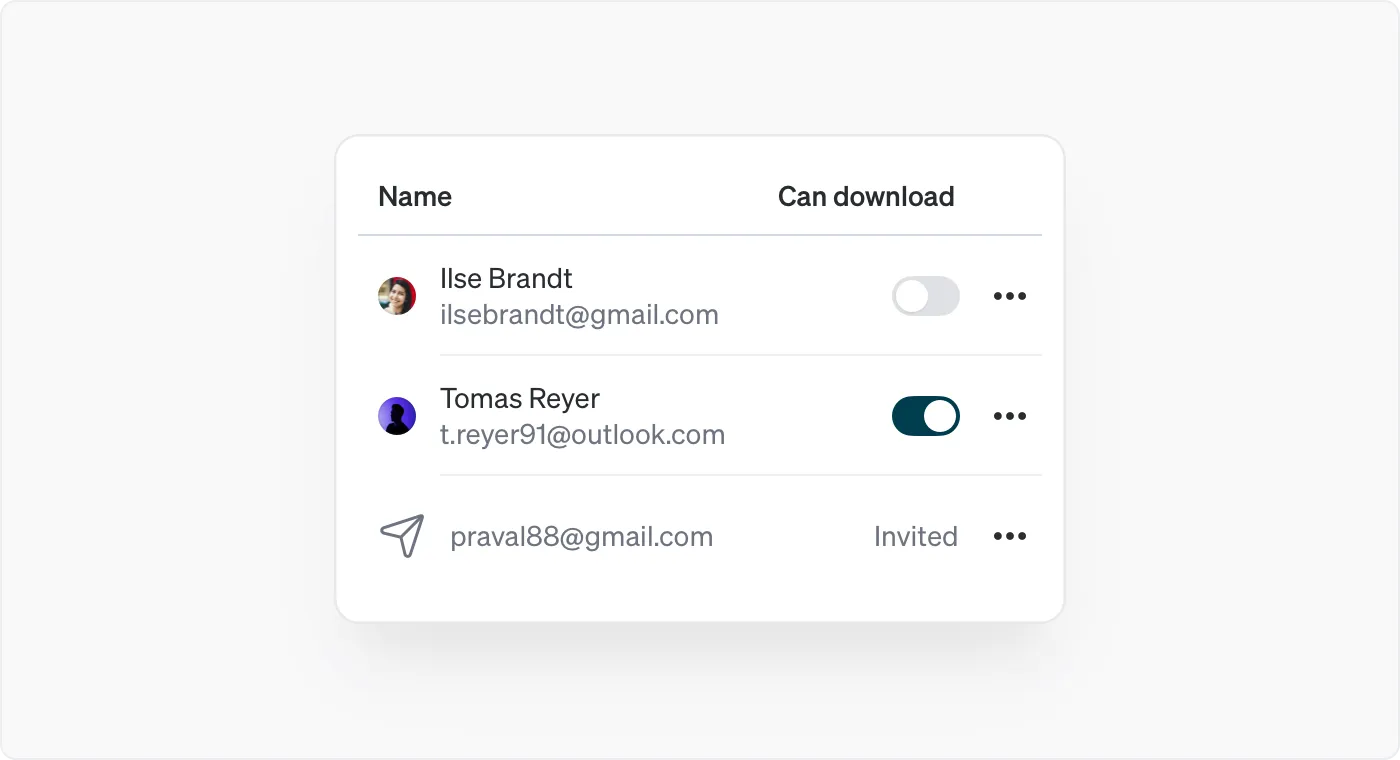
Invited viewers are their own category. You invite someone who is neither an owner nor an author when they need to look at the work without having any stake in it. A client reviewing a delivery, a collaborator working from the file, a lawyer, a manager.
You can invite an existing Dacr user, an organization, or any email address, though an emailed invitee has to create a Dacr account before they can see anything.
Downloading is set per viewer, and starts switched off. They can look without being able to take a copy until you turn it on, and for an email invite you can’t set it at all until they’ve accepted. Access can be withdrawn at any point, and it ends immediately when you do.
Proving ownership without showing the work
Every registration has a public page, and its link proves your ownership publicly without exposing the work itself. That’s what you send when pitching to a label, a gallery, a publisher, or a studio.
It’s the registration’s own address rather than a token you generate, so treat it as public rather than as something you can take back. Anyone you send it to can forward it.
Sorting a specific registration
If you’re looking at a registration and unsure where someone goes, ask what they’d be entitled to if the work were licensed tomorrow. That answers Owner.
Then ask whose names should appear regardless of whether they own anything. Those are your Authors.
Anyone left is someone who needs access, and access is a permission rather than a role.