A weekend wedding produces four thousand frames. Eight hundred survive the cull, six hundred get delivered, forty ever appear anywhere. A commercial shoot might deliver twelve.
Generic advice about registering your work doesn’t survive contact with those numbers. The useful questions are which files, and at what point in a pipeline that already has enough steps.
Register what you deliver
Raw frames off the card aren’t worth recording. Most are unusable, none are finished, and every file you register is its own registration, so a card dump buries the frames that matter under thousands that don’t.
The delivered edit is what exists in the world, what a client holds, and what gets reposted, resold, or scraped. For personal or editorial work with no client, register the frames you’d actually put out.
Rename at export, because half of it is permanent
A registration keeps the original filename from upload, which never changes and stays publicly visible. It also has a title, seeded from that filename, which you can edit afterward.
Whatever the file is called when you register it is what the record shows. A delivery folder full of _DSC4471.jpg leaves you with a permanent public filename that means nothing, and an editable title you’ll have to fix six hundred times.
Most photographers already rename at export. Make registration the same step rather than a separate pass, and this stops being a consideration at all.
One job, one folder, many registrations
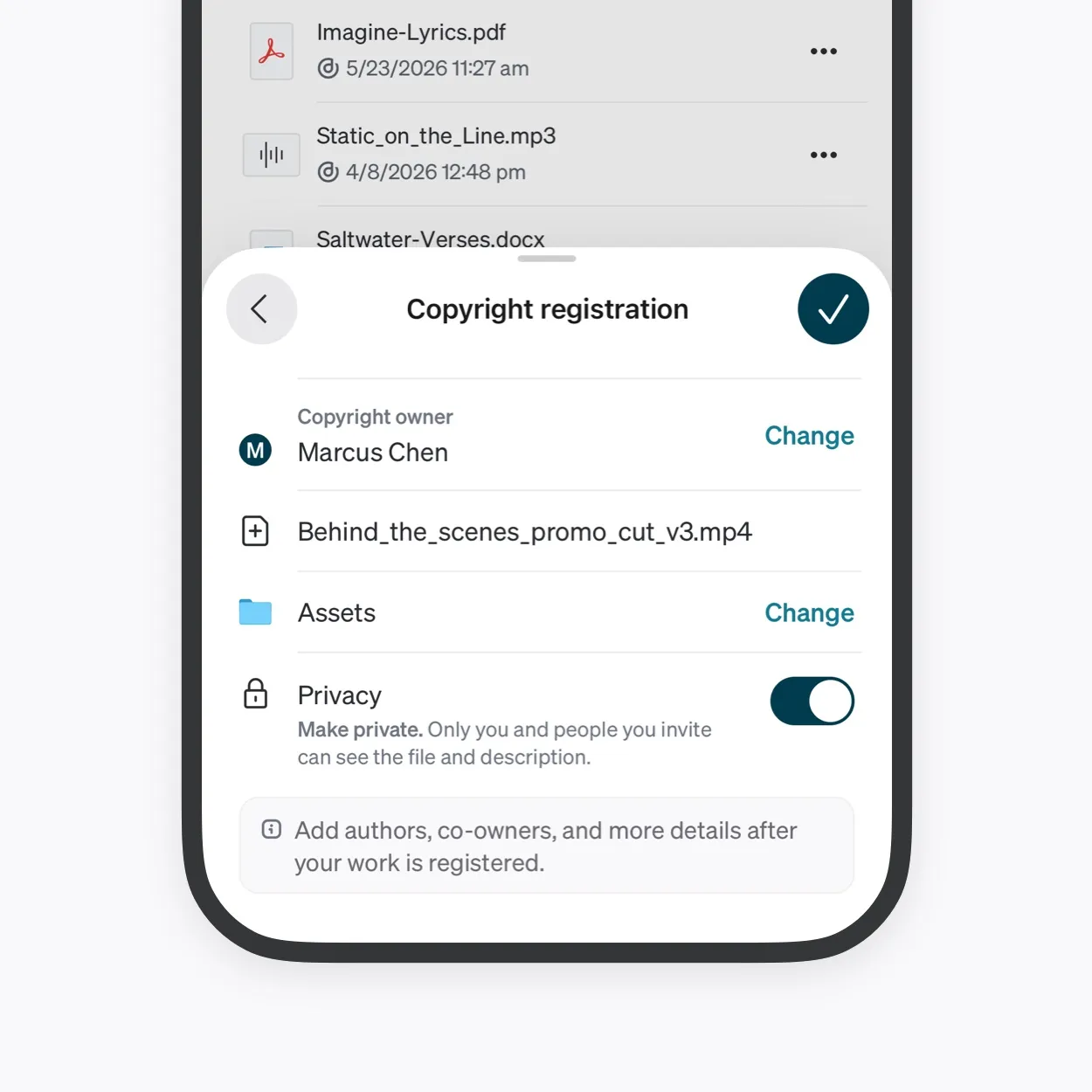
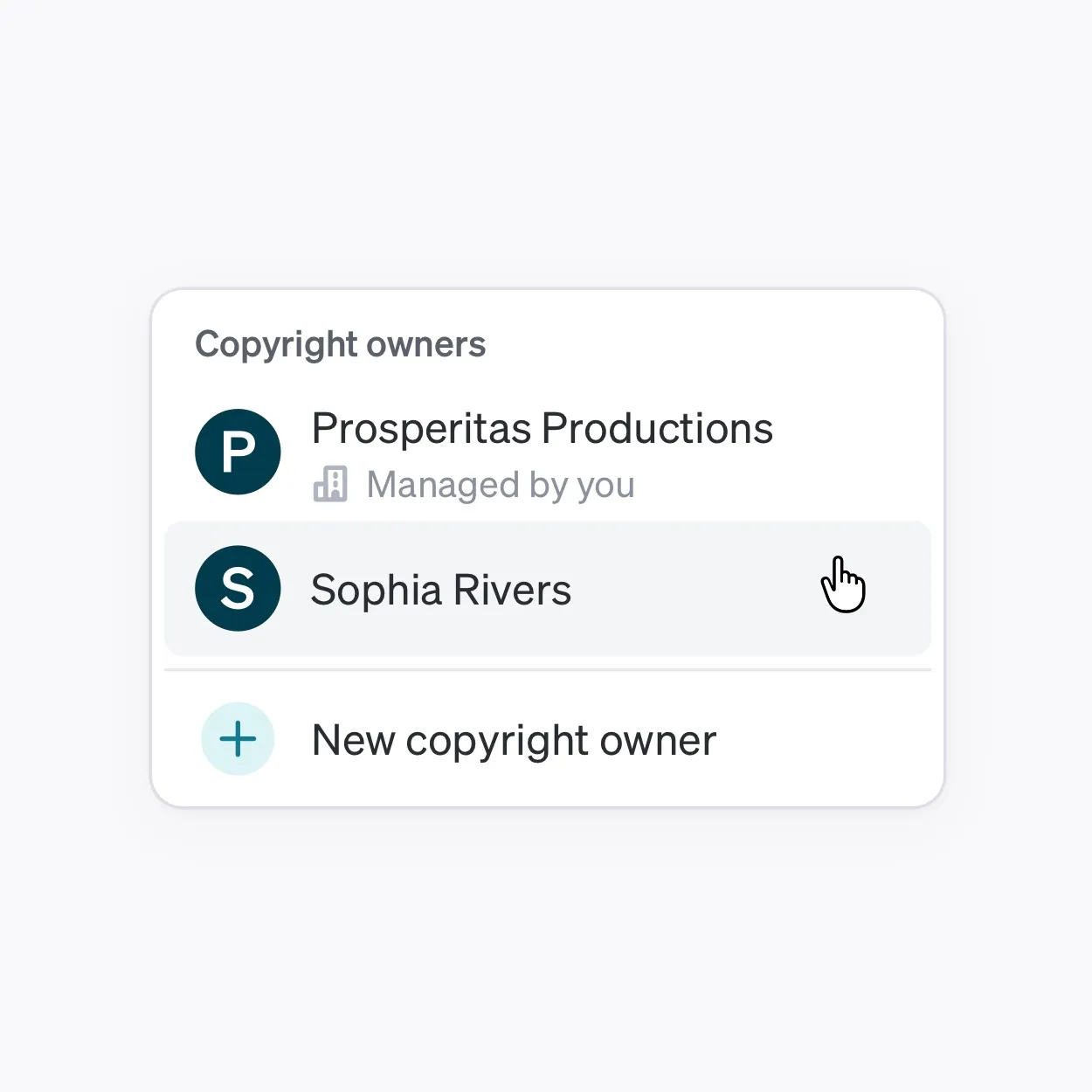
Select a whole delivery in a single pass and the same owner, folder, jurisdictions, and privacy get applied across it. Each file still becomes its own registration, so a six-hundred-image wedding delivery is six hundred registrations.
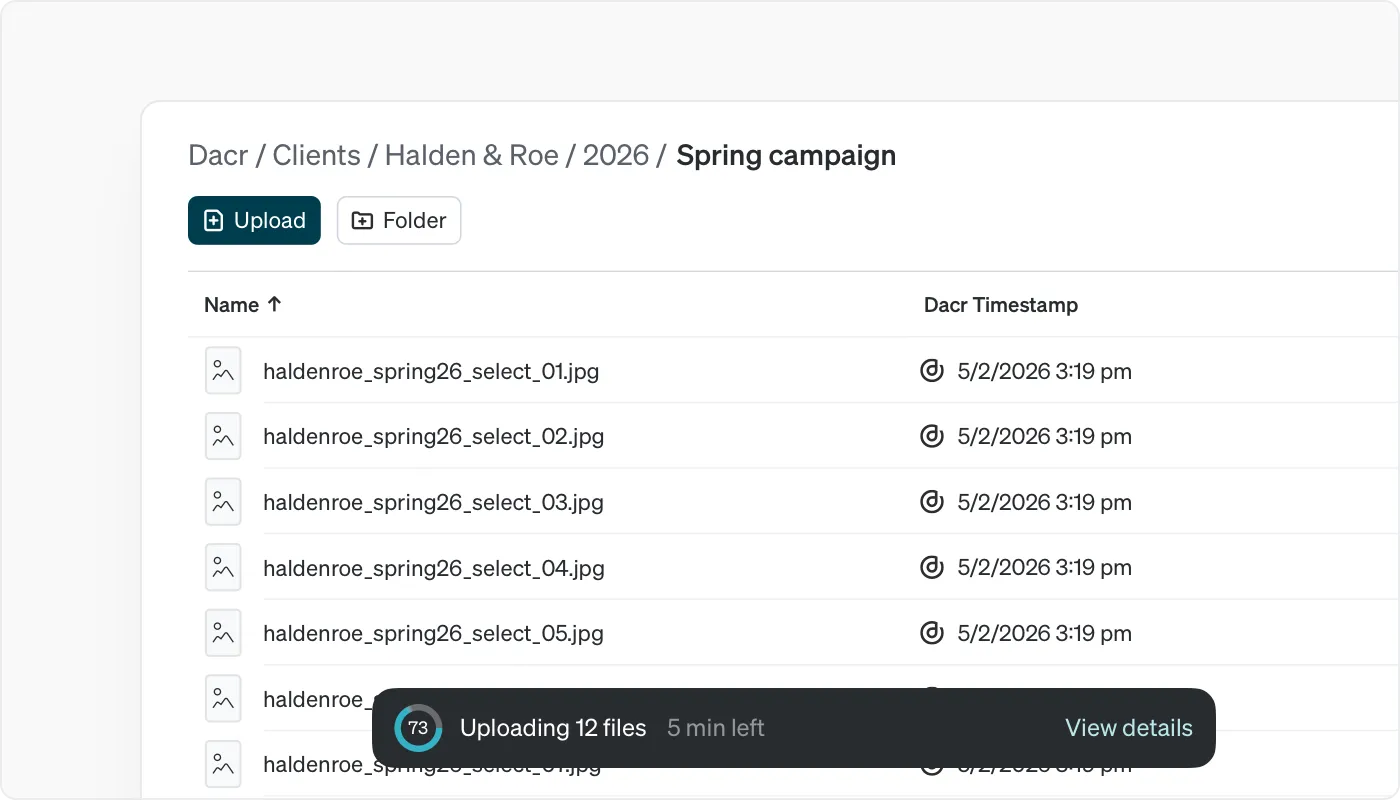
Worth knowing before you select everything. For high-volume work, registering the delivered selects rather than the full gallery is usually the right call, and it’s a decision to make deliberately rather than discover on the confirmation screen.
File by client, or by client and year for anyone you shoot regularly. Client and date are how the questions arrive, so that’s how the catalog should be organized. Registrations can be moved between folders later, in bulk, so an imperfect structure is fixable.
Countries, if you’re a Member
Dacr Members have the option of registering a work in additional countries. Coverage added to a registration later is timestamped from the moment it’s added, so a photograph registered only at home and extended into another market two years on has a record there beginning two years on.
Commercial work makes this easier than it looks, because the usage terms tell you where the images run. Editorial work often tells you too. Set the list against where the work will actually be published rather than against habit, and set it before you deliver.
You’re paying per image and per country, so on a six-hundred-image delivery the country list is worth choosing at the confirmation screen rather than accepting by default.
Private until it runs
Commercial work carries embargoes and editorial work sits under someone else’s publication schedule. A private registration hides the work and the description; the filename, owner, timestamp and registrant stay publicly visible either way.
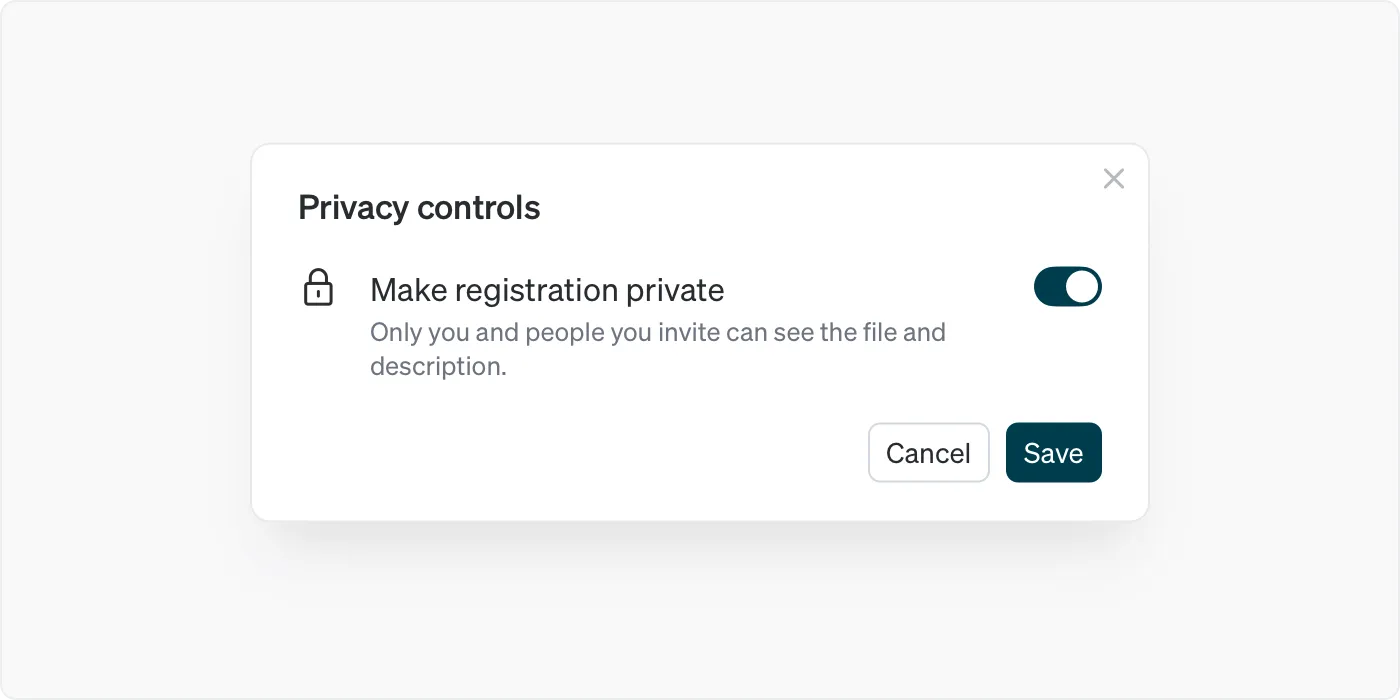
Set your default file privacy to private in Account settings if that describes most of your output, and make registrations public when the work runs.
Where it goes in the pipeline
The natural slot is between export and delivery. You have a folder of finished, named files at that point. Registering them adds a couple of minutes to a step you’re already doing, and the record exists before the files leave you.
Doing it after delivery still works. It records the work as of after it was already in someone else’s hands, which is a weaker version of the same thing for no saving in effort.