Publishing a video isn’t like publishing a photograph. Within hours a successful upload has been ripped, reuploaded, clipped into three shorter videos, mirrored on two other platforms and narrated over by someone who didn’t make it.
Some of that is fine and some of it is a channel taking your work wholesale. Either way it starts immediately, which puts the useful moment before the upload rather than after it.
Register the export, not the project
The finished export is the work that exists in the world. It is what gets reuploaded, what a platform holds, and what a comparison would run against.
Project files, timelines and source rushes are working material. They matter to you and they aren’t what anyone is copying.
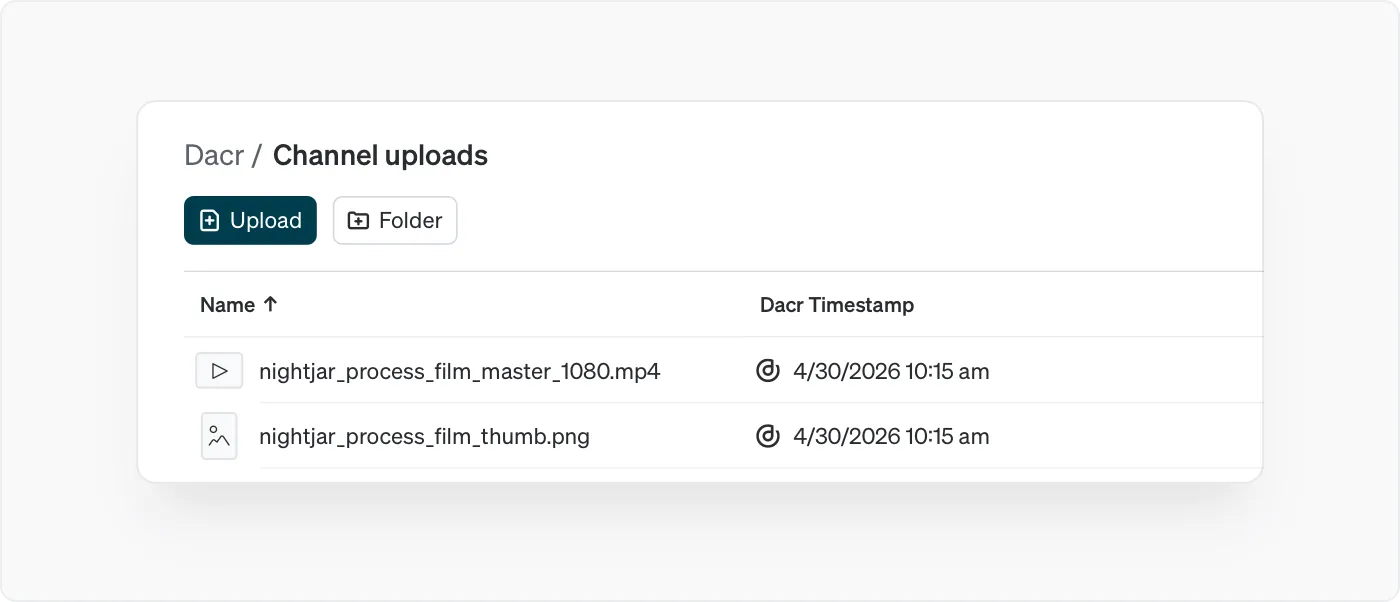
Where you cut multiple versions, a long edit for one platform and a shorter one for another, register the ones you actually publish. Each file is its own registration, so that is a decision about which versions have a public life.
The thumbnail is its own work
This gets missed and it is easy to miss, because thumbnails are lifted more often than the videos they belong to.
A designed thumbnail is a piece of artwork with a life independent of the video. It ends up on aggregator sites, in other creators’ videos, and on channels reposting your content. Registering it alongside the video gives you a record pointing at the image specifically.
The same applies to any title card, animated logo or graphics package you made and reuse across a channel.
Name it before you upload
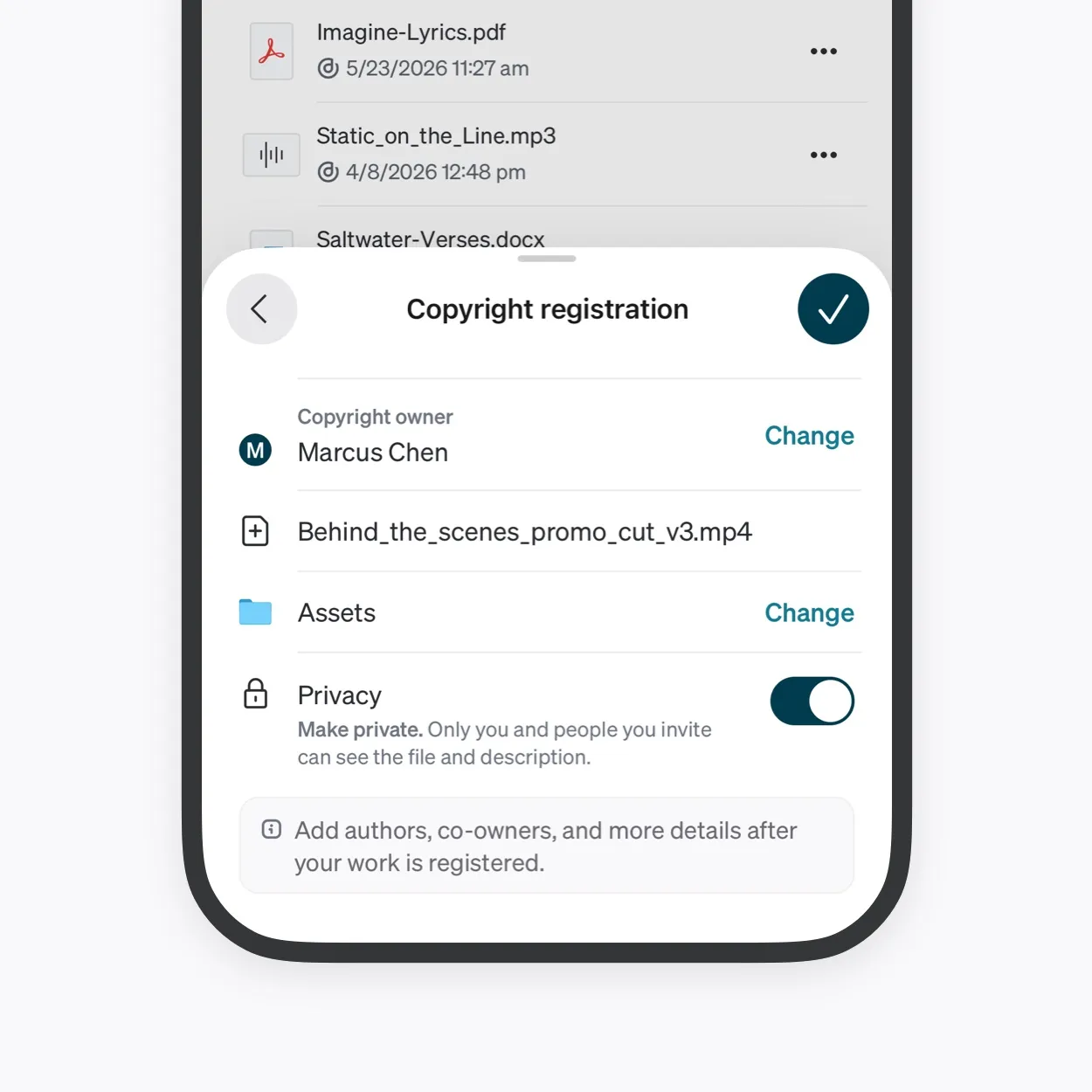
The filename you upload is permanent and stays publicly visible, and it becomes the record’s starting title. Search looks at the title.
Export names in video are usually the worst in any discipline, because the export happens at the end of a long day and gets called final_v4_ACTUAL. A project name, a version and a date takes seconds at the export dialog and is the only moment it is free.
Titles can be edited later. The filename underneath stays.
Private until it is live
Register while the video is still unpublished and keep the registration private until it goes out.
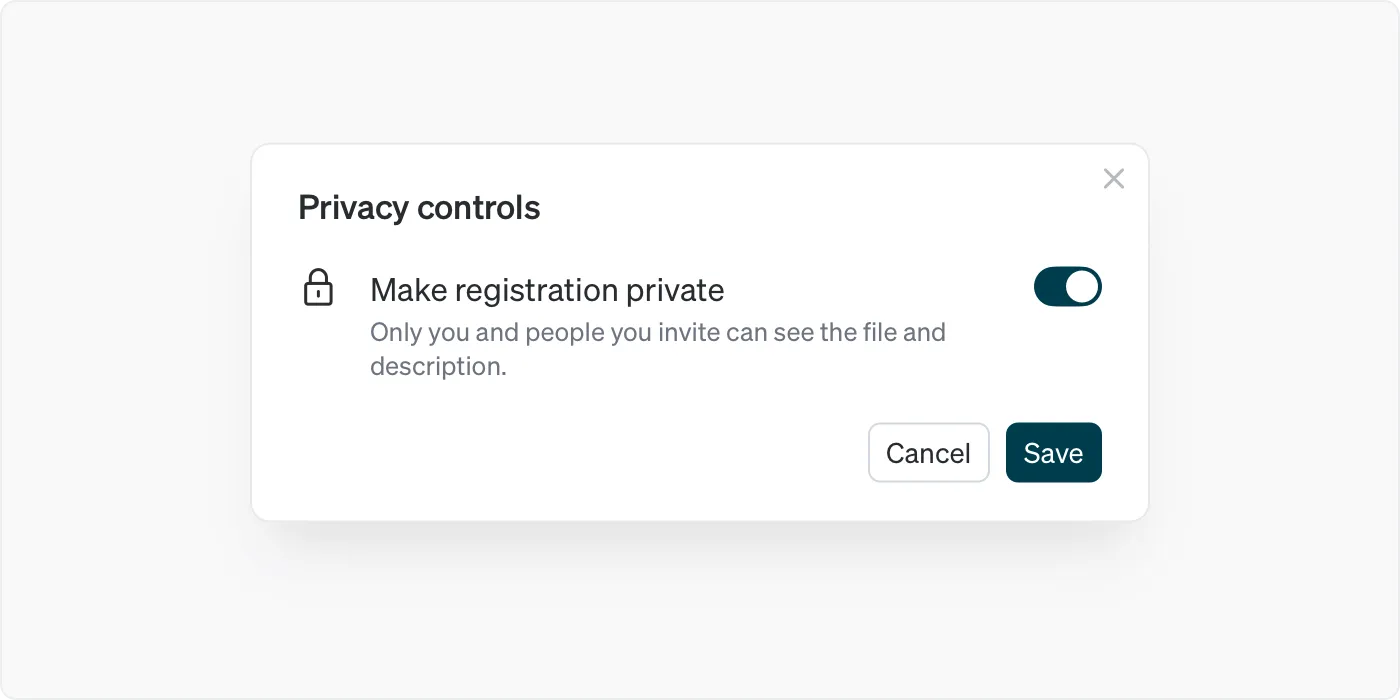
A private registration hides the video and the description. Ownership, authorship, the timestamp and the filename stay publicly verifiable, so keep client names and unannounced titles out of the filename.
Make it public when the video is live, if you want the record visible alongside it.
Credit the people who made it
Video is collaborative even at small scale. An editor, a colourist, a sound mixer, a composer, a camera operator, a motion designer.
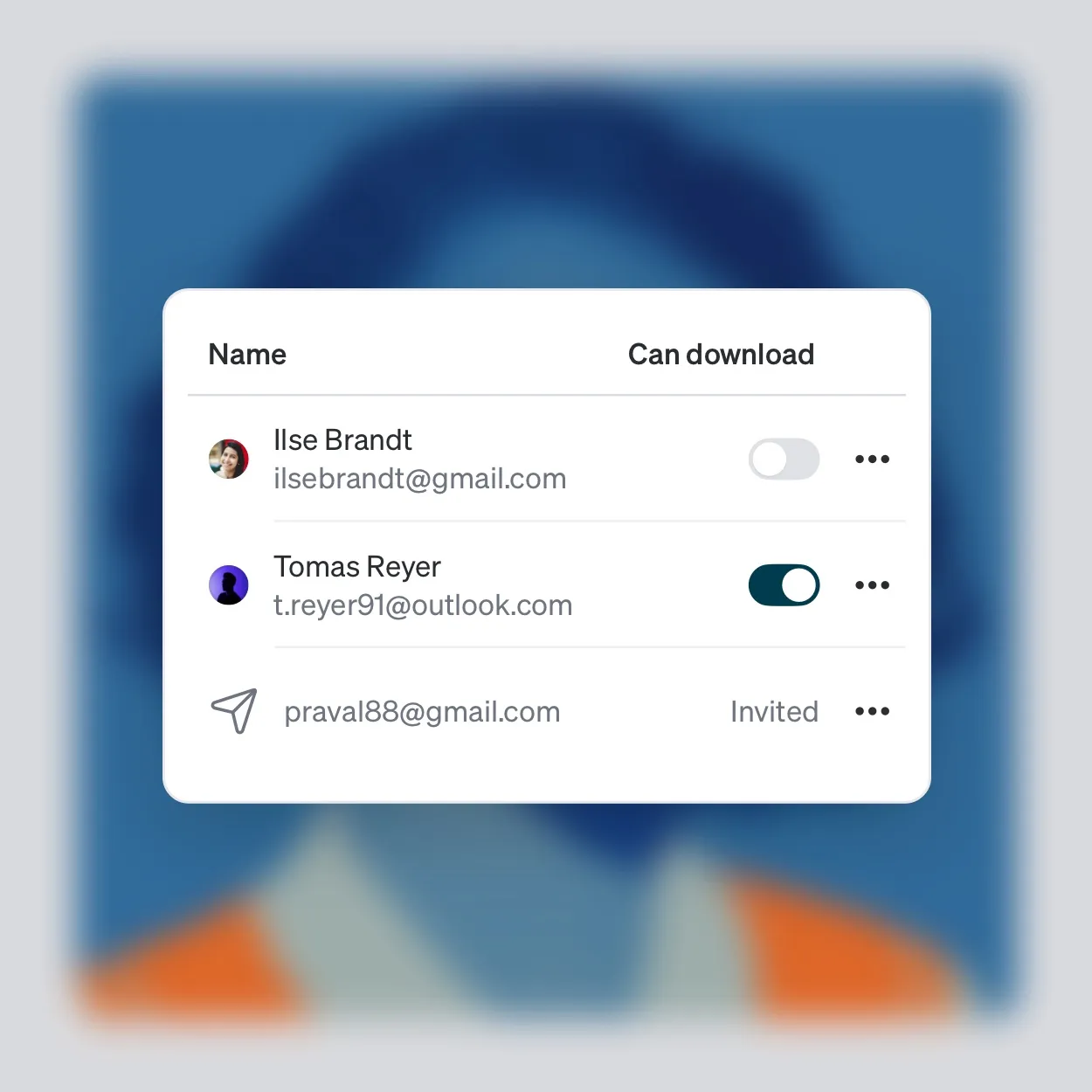
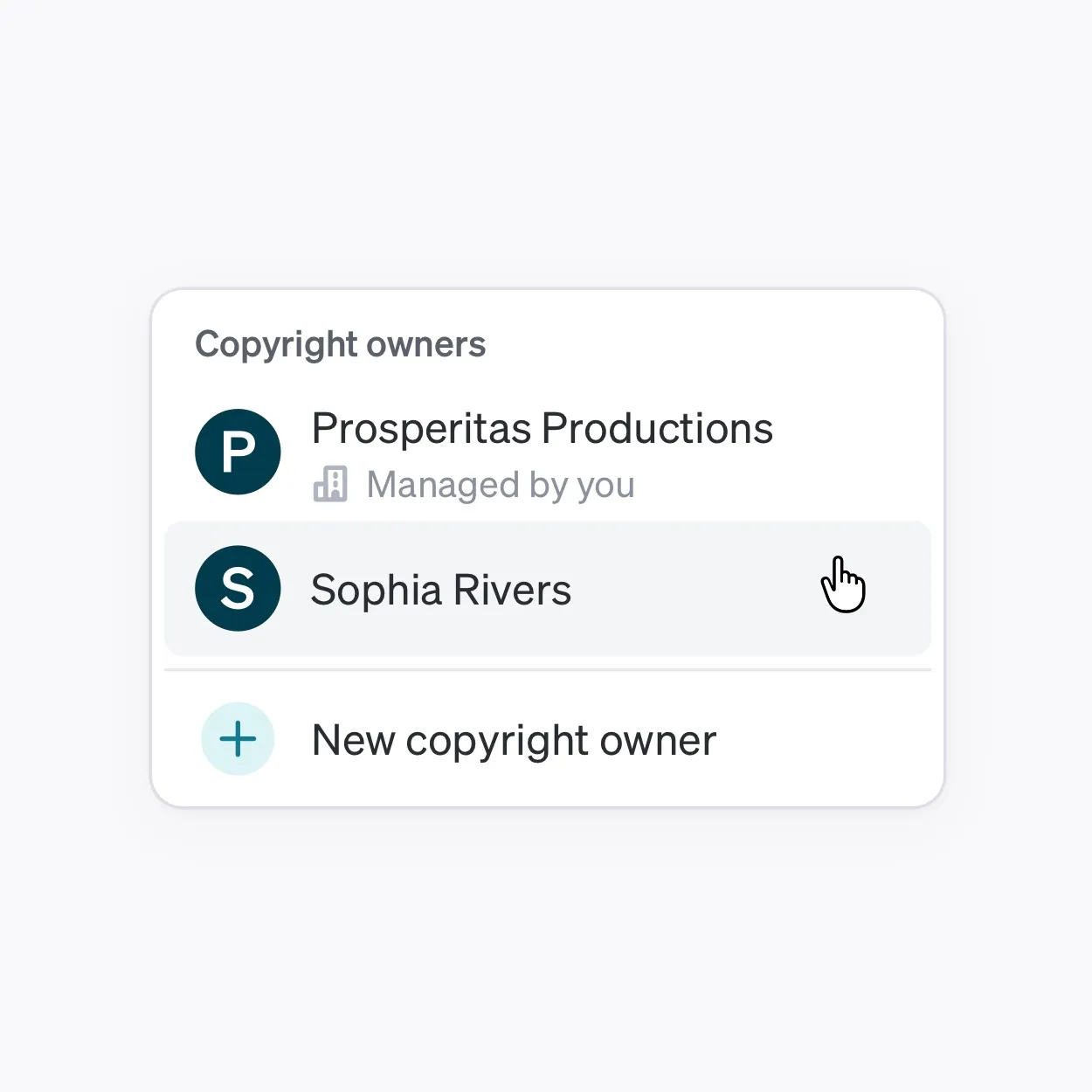
Owners are the parties holding rights. Authors are the people credited with creating the work and can be recorded without owning anything, which is the usual arrangement for freelance crew.
Authors can be added at any time, so a colourist who finishes after the export can go on afterward. The author list records who was involved, and your end credits carry the specific roles.
When it gets reuploaded
Download the reupload rather than screenshotting the page it is on. The file is what a comparison runs against, and a channel page proves nothing about the video.
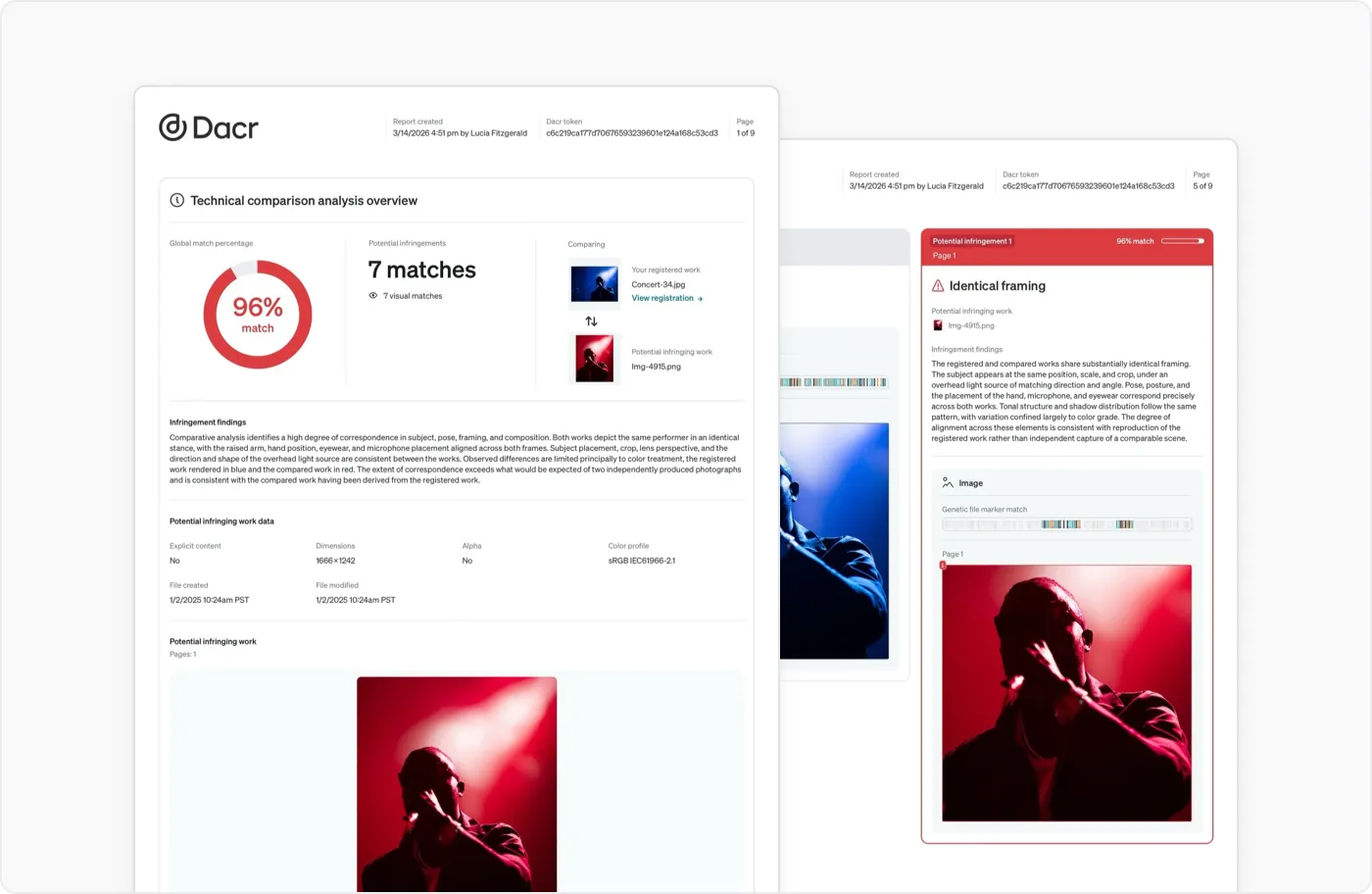
Dacr also compares each new registration against everything already registered with Dacr, automatically and on every account, so your infringement docket, where flagged matches and infringement reports appear, is the place to look first.
Creating a report uses one report credit, spent at creation whatever the report finds, and returned if the report fails to process or the upload fails.
Where it fits
At export. You are already naming the file, writing a description and preparing a thumbnail, and the registration belongs in that same pass.
Doing it after publication still creates a record, just one dated after the first wave of reuploads has already happened.